Your day, live
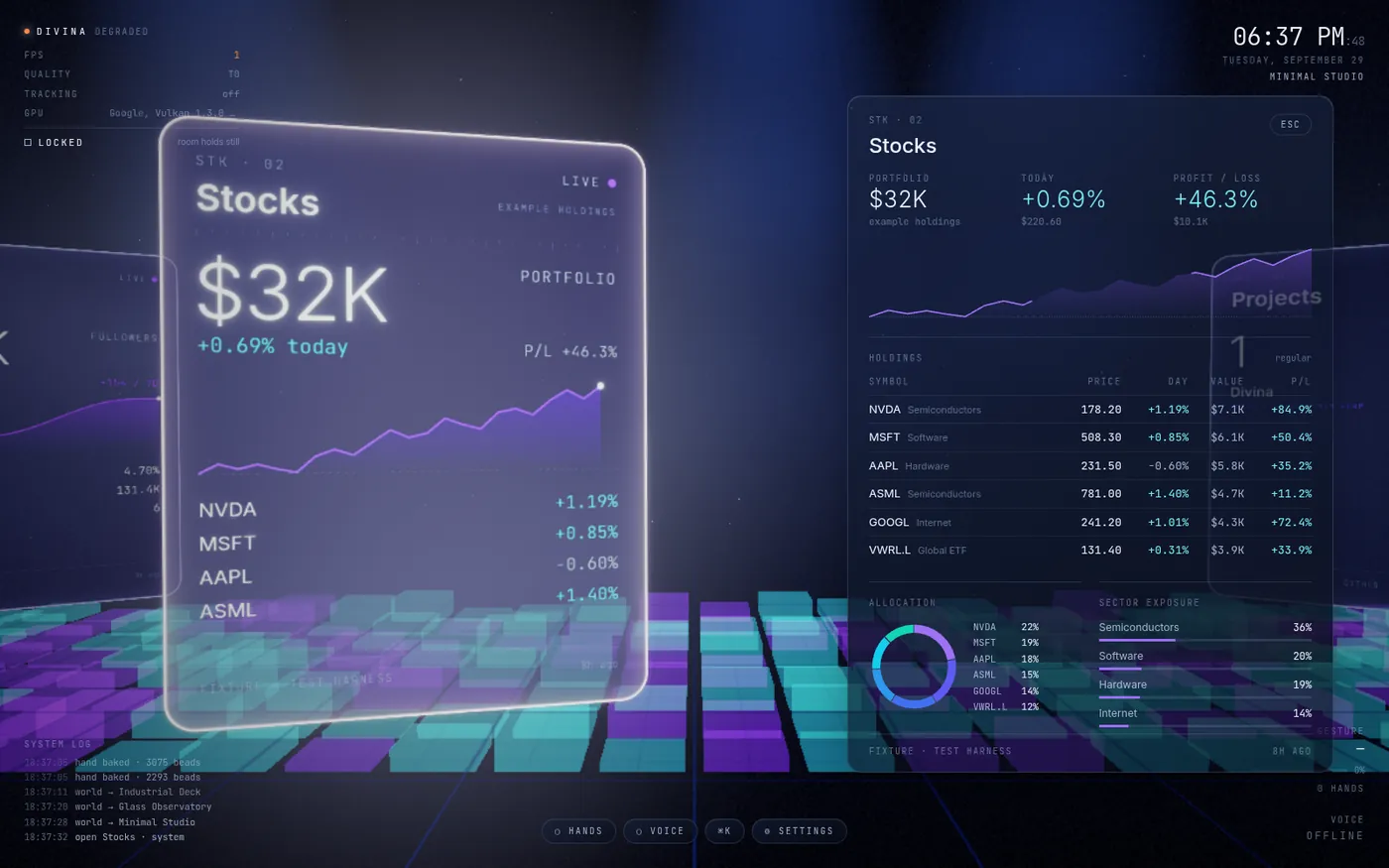
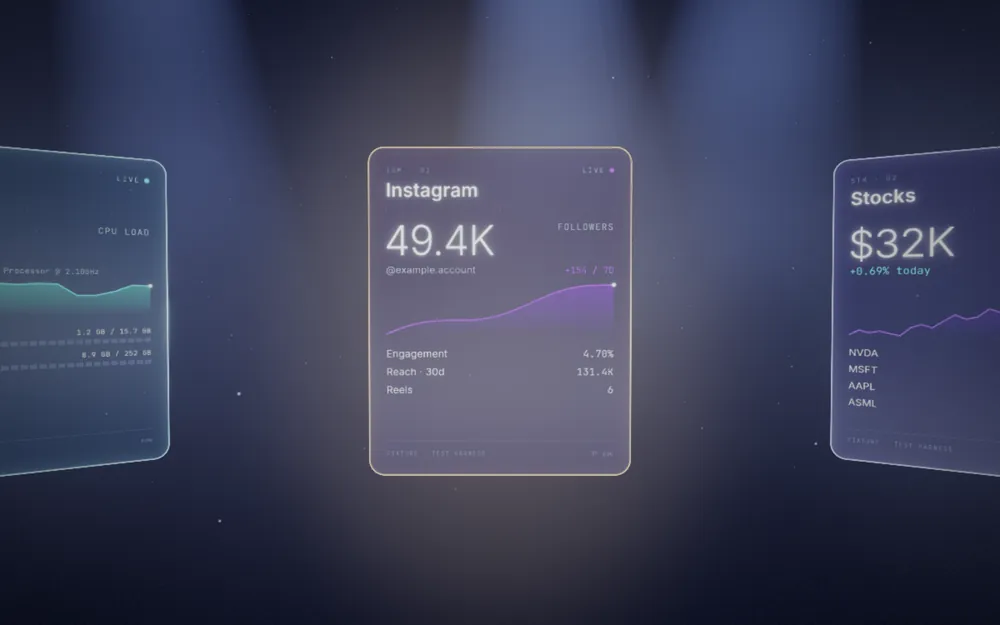
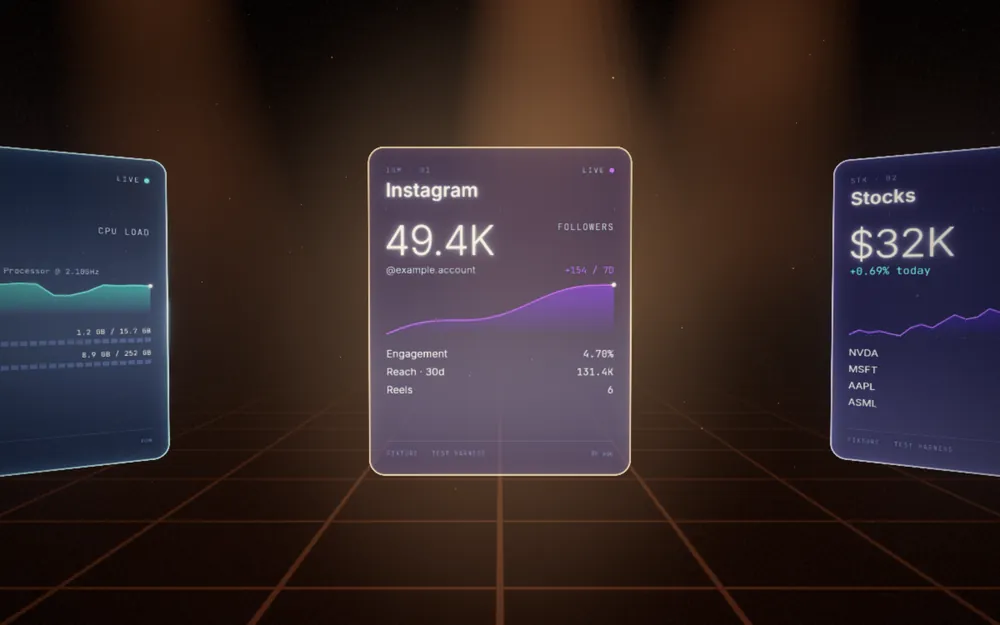
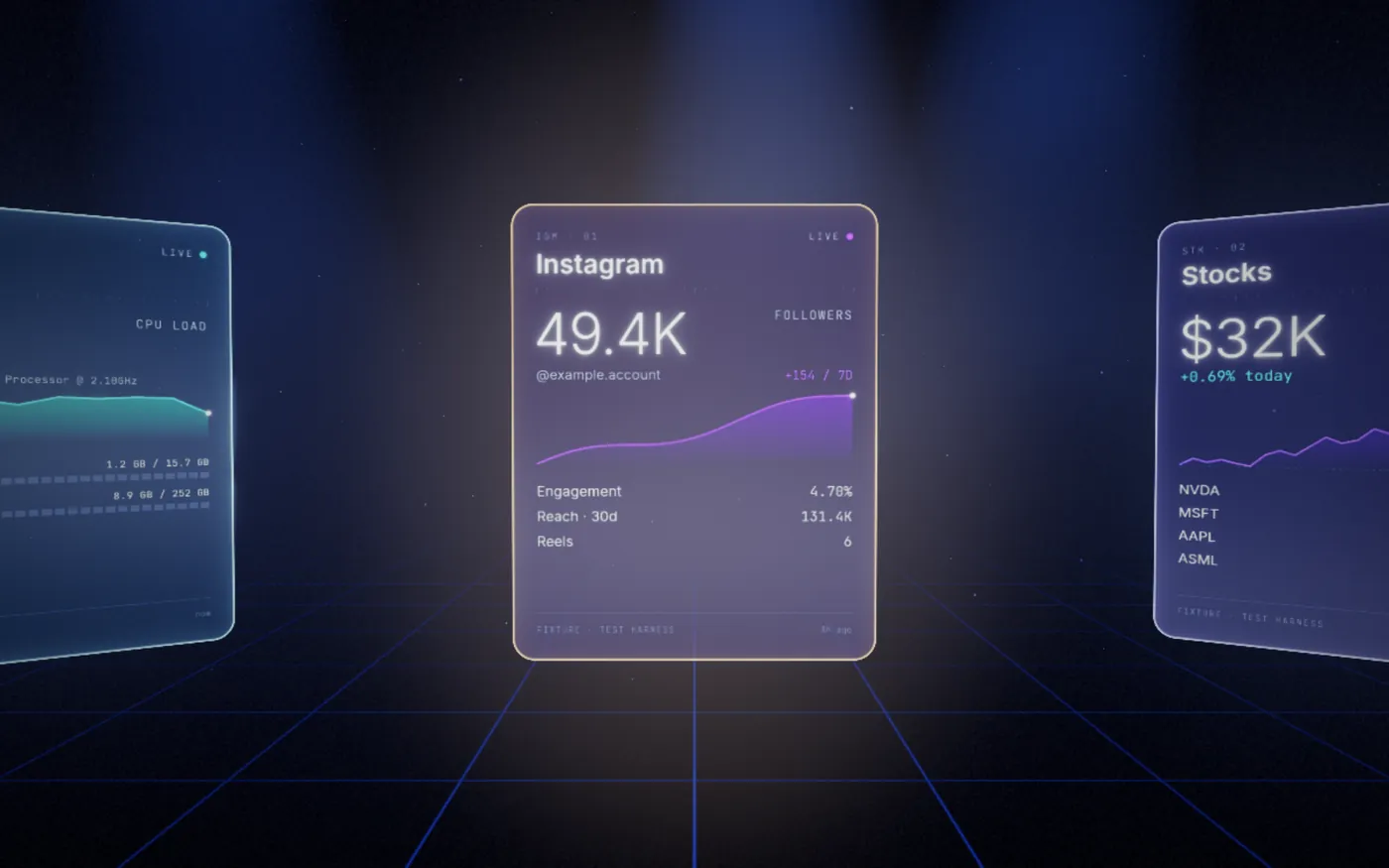
Scores from up to six leagues at once, your portfolio, the forecast, today’s agenda, the news that matters to you and your Instagram growth, each on its own card.
Divina puts your day in a ring of live holographic cards (sports, markets, weather, your calendar) that you move with your hands and talk to with your voice. And when you ask, it becomes someone you can talk to.
Now live · free and open source · Windows 10 and 11 (64-bit). Mac and Linux coming soon. How to install
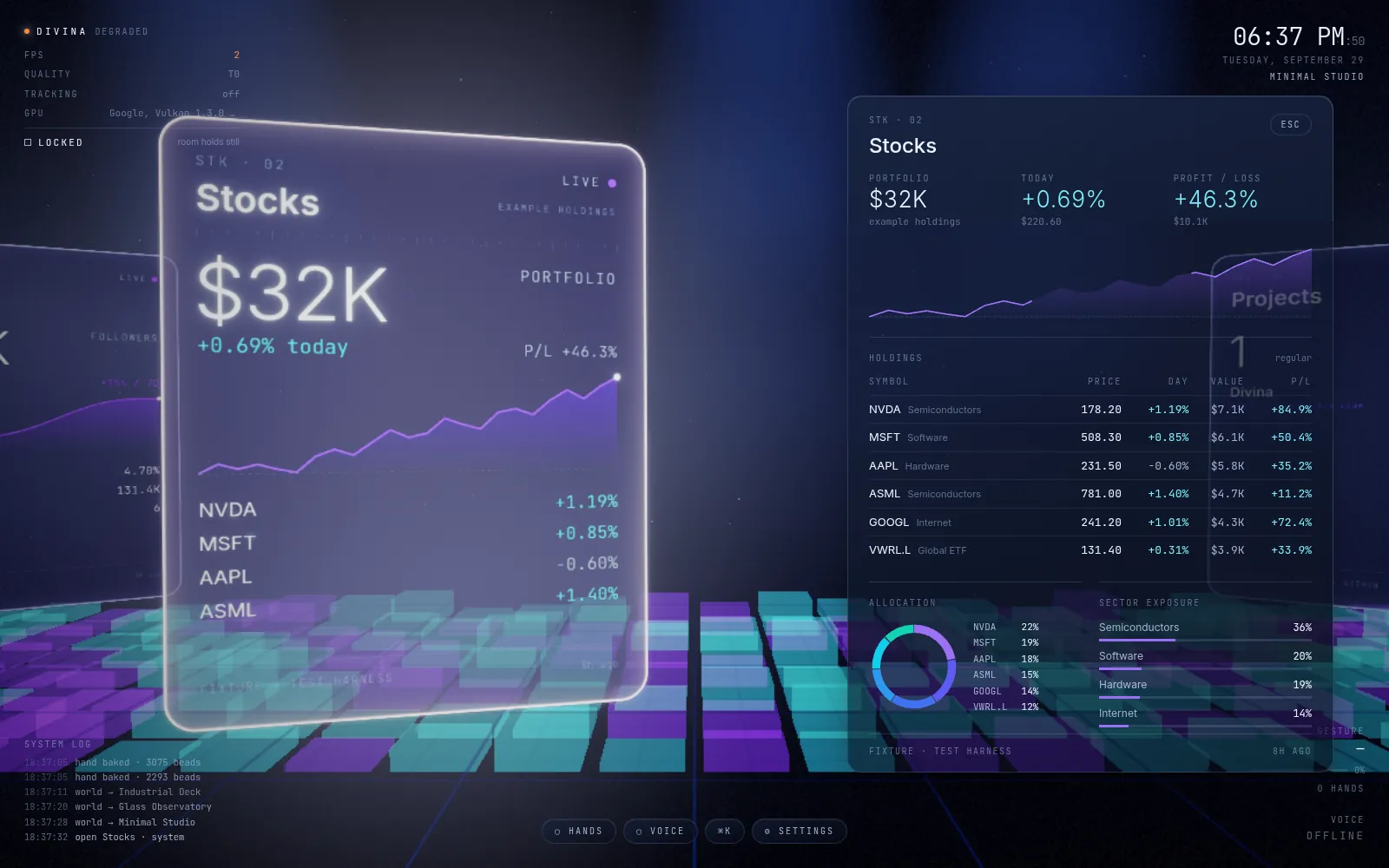
Swipe to turn the ring. Pinch to grab a card, pull it toward you to open it, push it away to close. Your webcam does the rest. How it works
“Divina, how’s the NBA tonight?” It answers out loud as it thinks, and stops the moment you say “stop”. How it works
Prefer typing? Press Ctrl+K and type anything: apps, websites, modules, or a question.
What it does
Scores from up to six leagues at once, your portfolio, the forecast, today’s agenda, the news that matters to you and your Instagram growth, each on its own card.
Ask “what’s my schedule?” or “explain this” while a card is open. Divina knows what you’re looking at, and you read the answer as clear captions.
“Open Spotify.” “Turn it down.” “Put GitHub on my other screen.” Divina opens apps, links, music and more on your Windows PC, and asks before anything important.
Nothing drifts unless you want it to. Motion is off by default, so you can leave Divina open all day without it tugging at your eye.
Minimal studio, dark lab, glass observatory, industrial deck, open water, fog chamber. Each has its own light and film-like colour.
Pick the voice, the leagues, the city and how fast it answers, in Settings or just by asking.
New in Divina
Say “Divina, open your mind” to see everything she has learned about you, sorted into a living constellation of people, plans, places and skills. Tap anything to forget it. Learn more
Make assistants with their own personality, like a coach or a chef, then ask several at once and they answer in turn at a round table. Learn more
“Remember that my sister is called Amy.” Divina keeps what you tell her on your device, encrypted, and uses it in her answers. Learn more
Say “good morning” to run several steps at once, set timers by voice, and get a heads-up before meetings and rain. In the Windows app, Divina can even phone you with your morning brief or a reminder. Learn more
Speak and read the translation as captions, in 30 languages. Divina herself speaks six. Learn more
Build your own room: pick the planet, its rings and moons, the colours and the light. “Take me to Saturn.” Learn more
The human form
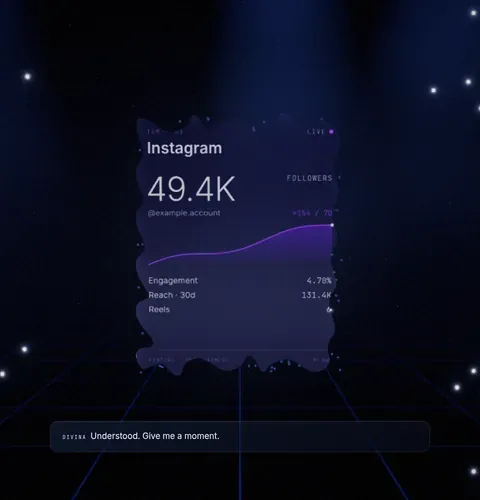
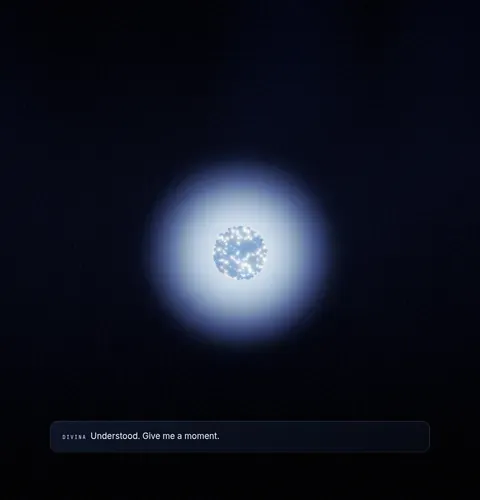
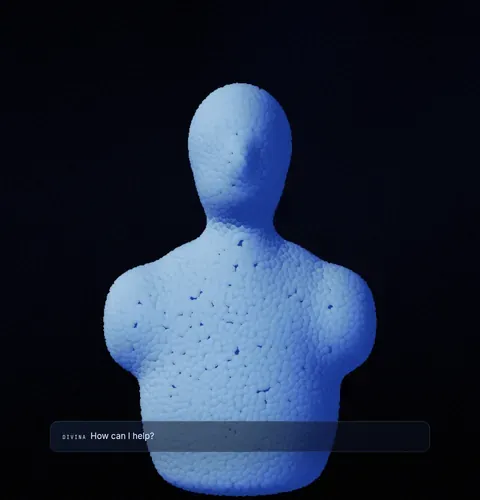
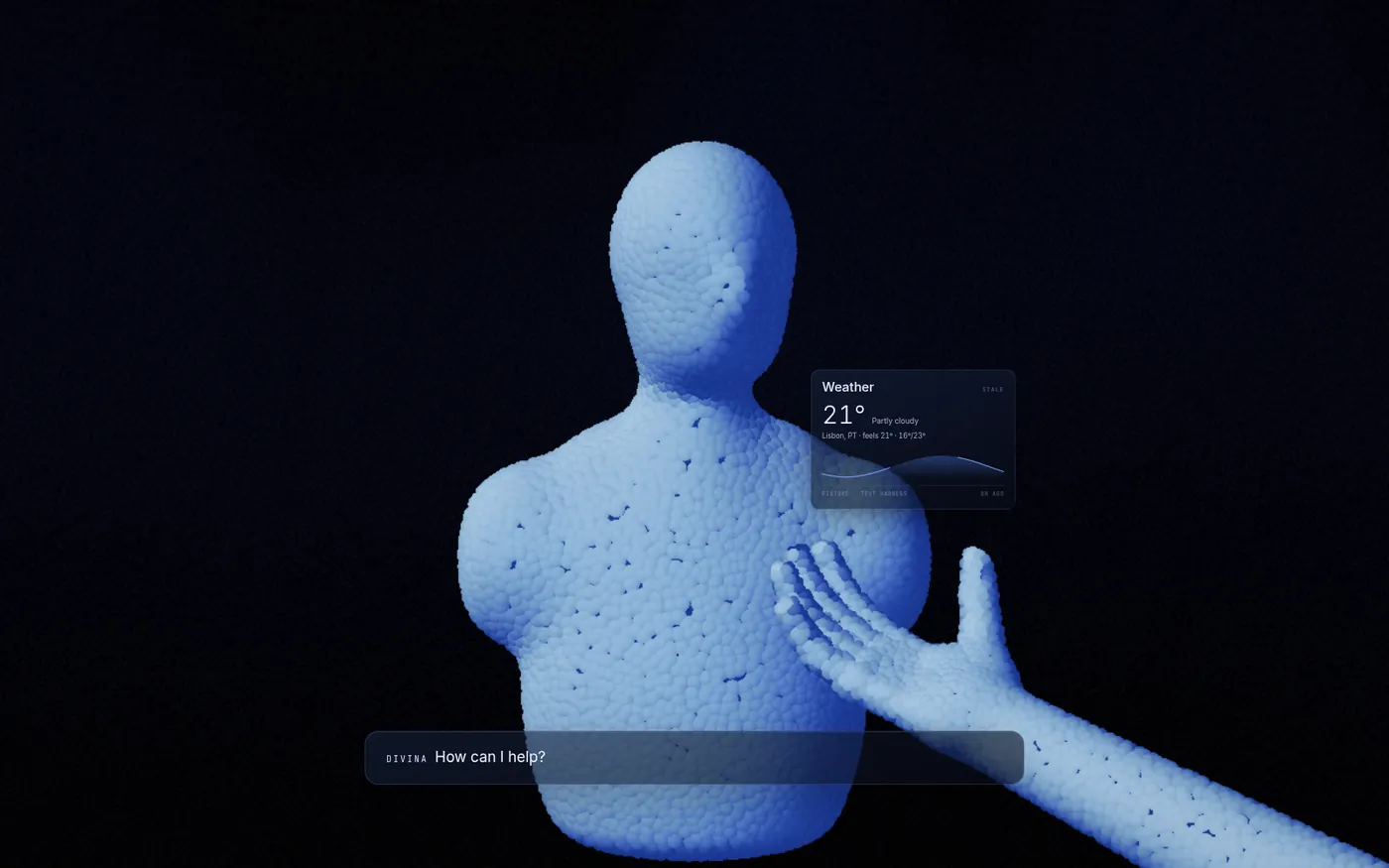
Every card, every word written on it, dissolves into light, gathers into a single point, and rebuilds itself as a figure that looks at you, speaks, and hands you what you asked for. Say “return to spatial mode” and it runs the whole way back.
 Dissolve
 Gather
 Form
 Here
Worlds
Private by design
Free & open source
Free
Free
Mac and Linux coming soon.
Divina is free software under the GNU AGPL v3: use it, study it, change it and share it. The source is on GitHub. For the AI you add your own key from Google Gemini, Anthropic Claude or OpenAI (and optionally ElevenLabs for the voice), and pay that company directly for what you use. Google has a free allowance in many countries; in the UK, EU and Switzerland it needs billing turned on. Your keys are encrypted and go only to their own company. Divina is for adults (18+). Terms · Licence
Questions
Yes. Divina is free and open source under the GNU AGPL v3, in the browser and as the Windows app (Mac and Linux coming soon). For AI replies you add your own key from Google Gemini, Anthropic Claude or OpenAI and pay that company directly for what you use.
A computer or phone with a modern browser, ideally Chrome or Edge. A webcam and microphone are optional, for hand control and voice.
Both. The free browser version works now. Divina for Windows (also free and open source) adds live stocks and sports, email, Instagram, phone calls to you and control of your computer. Mac and Linux are coming soon.
Yes: the browser version works on iPhone and Android today, with no download.
Only what you ask, plus a short summary of your cards so it can answer “explain this”. It goes only to the AI company you picked, using your own key. Your camera and files are never sent.
In the Windows app: football leagues including the Premier League, Scottish Premiership and La Liga, plus the NFL, NBA, MLB and NHL, up to six at once. Stocks show your own portfolio.
Now live
Divina-Setup.exe. It installs just for you: no admin prompt, about 34 MB.Mac and Linux are coming soon. To hear first, follow along on Instagram, or on GitHub choose Watch → Custom → Releases. · All files and checksums
Follow the build on Instagram @sweeneycreative_coGoogle, Gemini, Anthropic, Claude, OpenAI, ChatGPT, ElevenLabs, Instagram, Windows and other names are trademarks of their owners. Divina is independent and not affiliated with or endorsed by them.